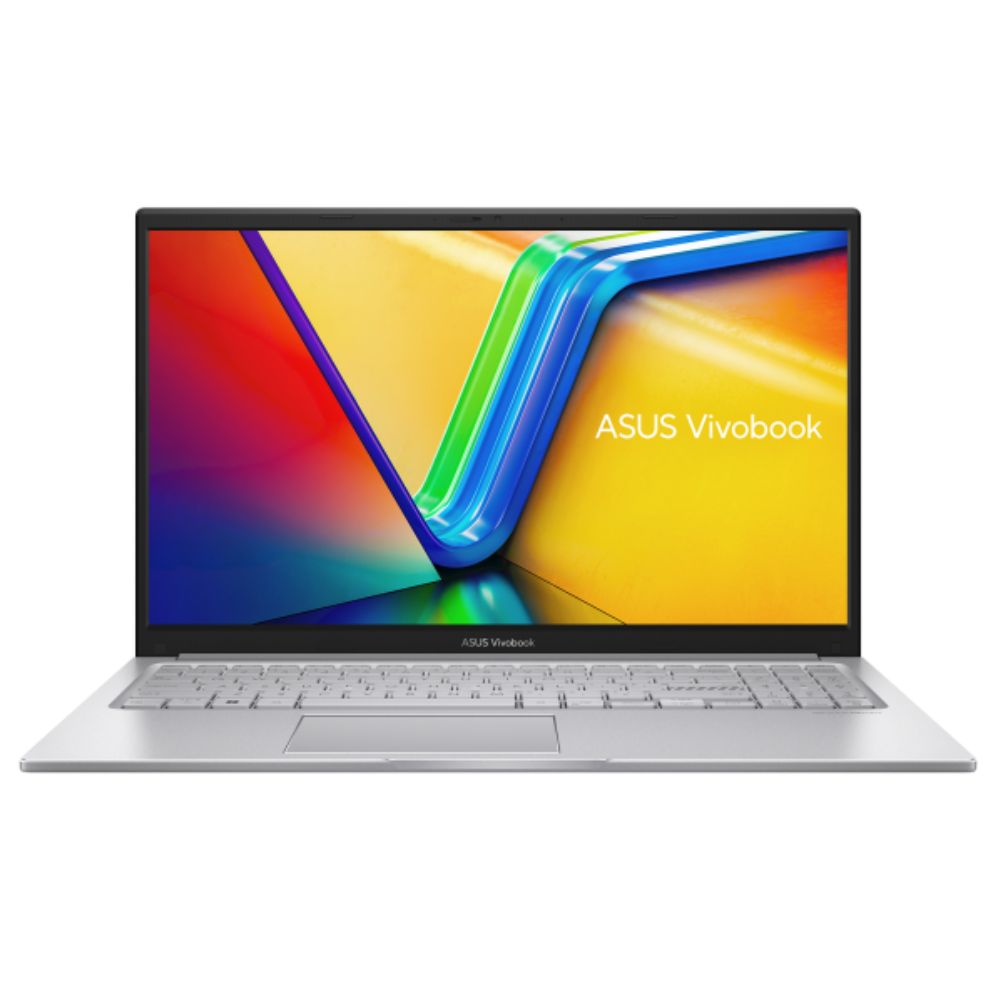
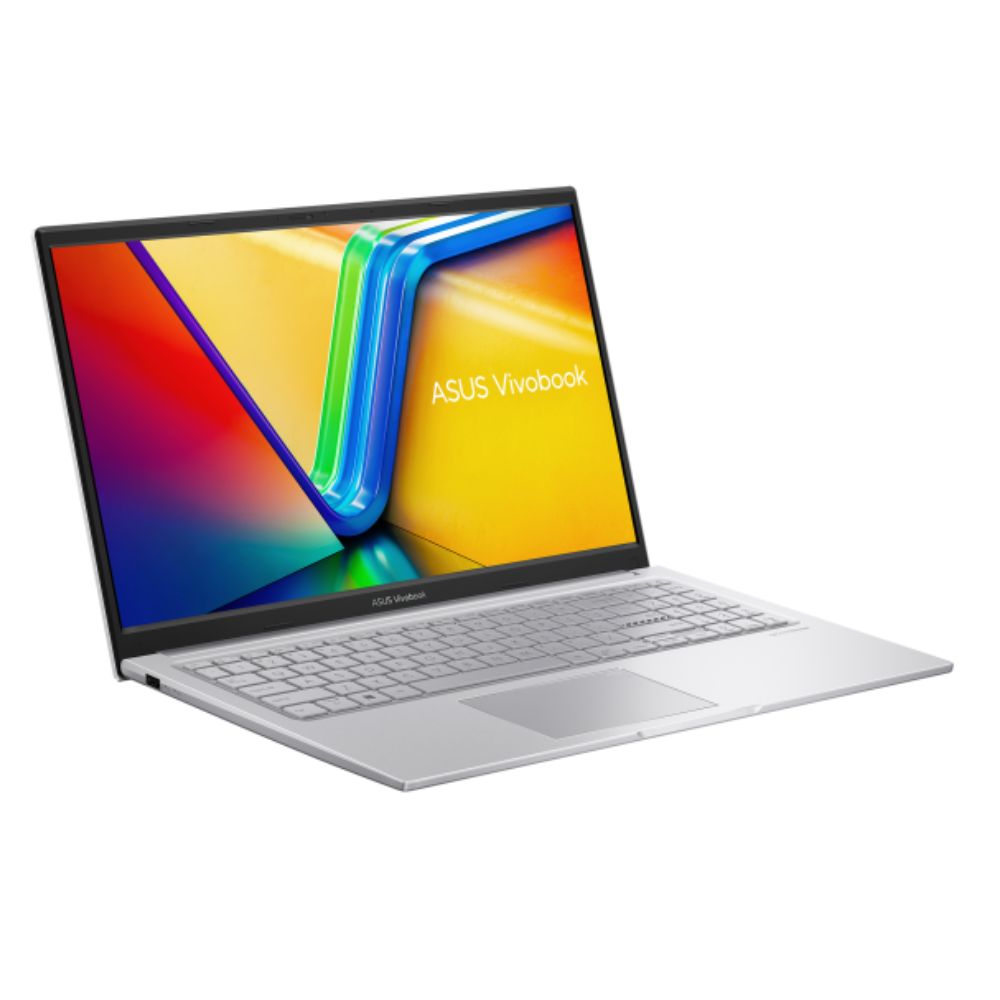
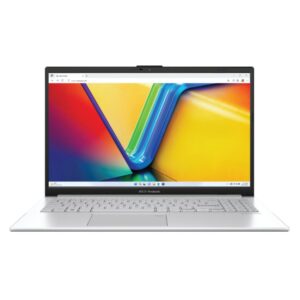
Vivobook 15 features a precision-engineered, lay-flat hinge that makes it easy to share content with others, or collaborate with a group of people around a table.
Connectivity
Perfect in every detail
Vivobook 15 keeps you fully connected with its comprehensive I/O ports. There are one USB 3.2 Type-C Gen 1 port, two USB 3.2 Type-A Gen 1 ports, a USB 2.0 port, HDMI® output and an audio combo jack — so it’s easy to connect all your existing peripherals, displays and projectors.
AI Noise Cancelation
Next-level AI noise-canceling audio technology
To provide exceptional remote-working and video-conferencing experiences, features ASUS AI Noise-Canceling Technology that employs machine learning in order to isolate unwanted noise from human speech. This technology helps to filter out ambient noise for optimum group conference-call quality. The ASUS AI Noise-Canceling Microphone feature in the MyASUS app can filter out ambient noise — so you’ll hear what everyone else is saying.
Conference Call
Conference calls with more possibilities
Conference calls can be single-presenter or multi-presenter, gathered around a single laptop with voices coming from various directions. With the upgraded system enabled via the MyASUS app, it detects and optimizes audio from either one direction or from all directions — ensuring top conference call audio quality.
Single presenter conference call
Single-presenter conference call mode can filter out noise and other voices, and ensures only the voice in front of laptop can be heard. When you switch on the Target Speaker Tracking mode it can even target and track new talkers within a 180° arc, making the feature ideal for recording large groups as well as for individuals.
Multi-presenter conference call
Multi-presenter conference call mode filters out ambient noise whilst identifying multiple voices from all directions and distances, so all voices can be heard more clearly.
3DNR
Standout webcam effect – ASUS 3DNR
ASUS 3D Noise Reduction (3DNR) Technology significantly upgrades the webcam image clarity for clearer conference calls.
Software
Truly personalized workflow
ASUS offers a suite of software designed to take your computing experience up a notch. MyASUS provides a collection of handy apps and tools that help you get more out of your laptop, while GlideX enables you to get more done by sharing screens across devices. Plus, ScreenXpert helps you manage app windows across all connected displays for a smoother workflow.
MyASUS
MyASUS
MyASUS provides easy access to ASUS apps that are designed to help you maintain your system, update your software, optimize your PC’s performance, and contact ASUS for after-sales support.
Learn more about MyASUS
GlideX
GlideX
GlideX is a cross-device screen-sharing solution, with Mirror and Extend features that give you a bigger and better space for work and play. The Unify Control feature lets you use a single mouse and keyboard set to control different devices from one PC, across different OSes, so you don’t need to switch between devices. GlideX optimizes your workflow in the blink of an eye!
Learn more about GlideX
ScreenXpert
ScreenXpert
ScreenXpert — which you can download from Microsoft Store or find in your PC’s Start menu — helps you to manage app windows across displays connected to your ASUS PC and puts you in full control of your workflow!
Learn more about ScreenXpert